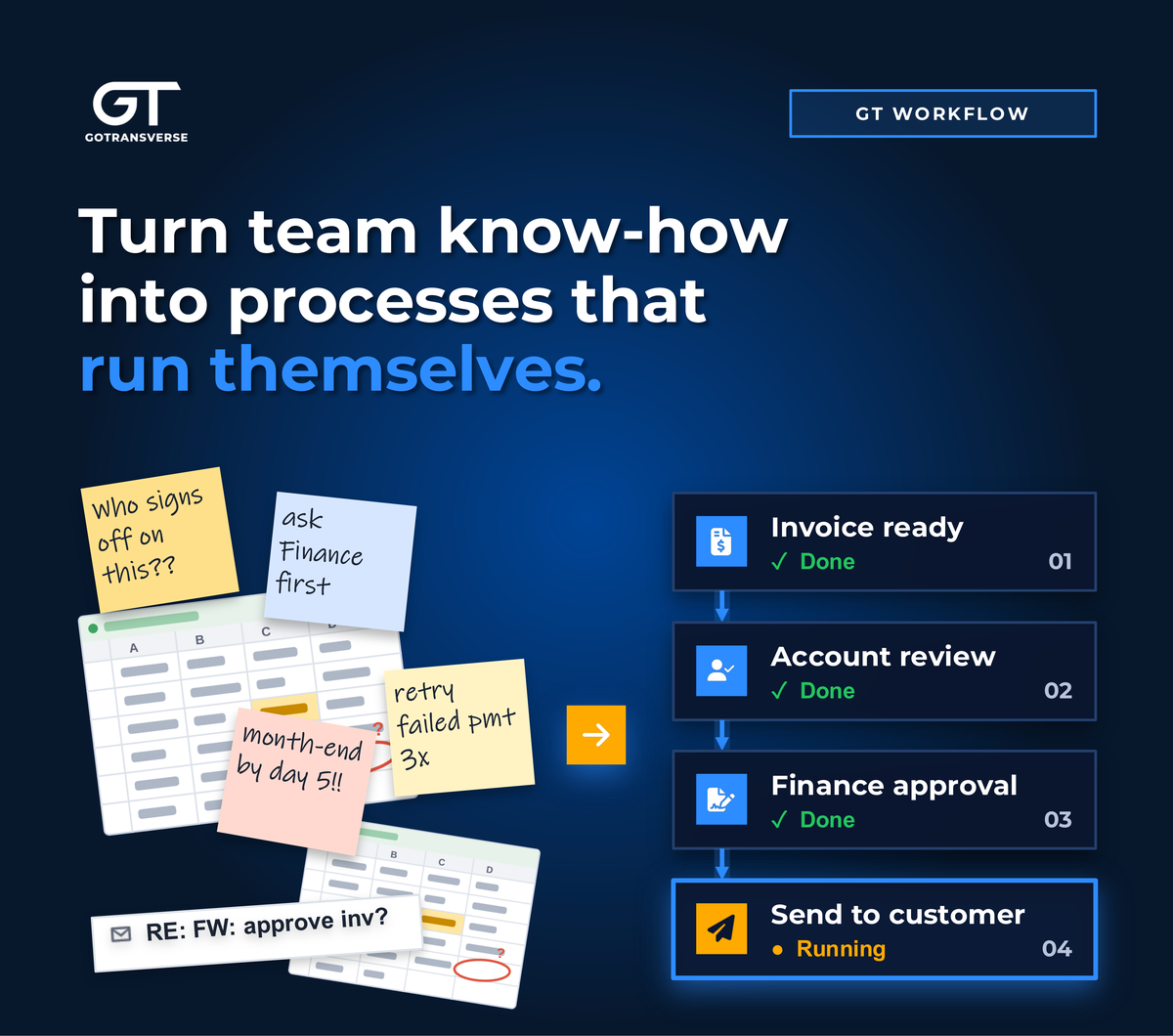
It’s the last week of the month. A contract amendment is waiting on a signature, three invoices are sitting in someone’s inbox for approval, and a failed payment needs a decision. Each step is routine, but none of them happens unless someone remembers to do it.
Workflow automation can take that off your team’s plate: faster invoicing, fewer manual steps, and a month-end close that doesn't depend on who's out of office.
The encouraging news is that the foundation for all of it is something your team already has. It's the knowledge of how the work gets done. The next step is writing it down clearly enough that software can follow it.
Get started with a simple example
The most effective way to begin is small. Pick one process your team repeats every cycle, one that takes real effort and that everyone would be glad to hand off. Define it, run it, and refine it. The confidence and know-how from that first process make the next one easier.
Gotransverse customer Quisitive, a Microsoft-focused technology consultancy, bills customers for prepaid monthly consultant hours. Tracking which unused hours roll over and which expire as revenue used to be a manual, error-prone chore. GT Workflow now handles that logic automatically, reducing manual work and closing a common source of revenue leakage.
The unwritten rules of billing
Billing and revenue operations are full of work that's ideal for automation: bill runs, invoice approvals, payment retries, contract amendments, and period-end postings. This work repeats every cycle, follows rules, and moves across several systems along the way. Give a billing platform a clear version of those rules, and it can apply them the same way to every account on every bill cycle.
The harder part is capturing the rules your business runs on. Who signs off on a contract amendment before the new price takes effect? When do unused prepaid hours roll over, and when do they expire and get recognized as revenue? Which invoices need the customer’s approval before they go out? How many times should a failed payment be retried before someone steps in? Those answers are unique to every business, and capturing them as defined steps is where workflow automation begins.
Your team has the answers
Your billing and revenue teams already run these processes every week. They know who signs off on a high-value invoice, how a negotiated billing schedule works, and what has to happen, in what order, to close the month.
The opportunity is to capture that knowledge, so that it lives in a defined process rather than in someone's inbox, a shared spreadsheet, or the memory of the one person who has always handled it.
The best candidates are usually the processes your team repeats most often:
- Invoice approvals that involve several reviewers, sometimes including the customer
- Contract changes that need sign-off before billing reflects the new terms
- Custom billing schedules, such as milestone-based or negotiated billing dates
- Month-end close, with its chain of reconciliations, approvals, and postings
- Cross-system billing cycles, from bill run through payment collection
How to define a billing process with clarity
Defining a process doesn't mean writing a hundred-page manual. It means answering four simple questions for each step:
- What happens?
- Who owns it?
- What information does it need?
- What decides where it goes next?
Take an invoice approval. The steps are the individual reviews. The owners are the account manager, finance, and perhaps a contact at the customer. The information is the invoice and any notes. The decision points are to approve or reject, and what happens after a rejection. Once those are written down, the process can run with consistency.
It also helps to capture processes in a common standard rather than a one-off format. BPMN 2.0 (Business Process Model and Notation) is the industry standard for this: a shared visual language for steps, decisions, and handoffs that people can read at a glance and software can run as drawn. Because it's so widely used, it's also a format AI tools understand well.
What changes once the process is mapped
Work that runs on its own. A defined process can start on a schedule, on demand, or when another system calls for it, with each step handed to the right person or system automatically.
Fewer gaps, clearer records. Nothing depends on someone remembering to do it, and nothing slips between systems. A contract amendment, for example, can’t bill on new terms until it’s signed off, and there’s a record of what changed and when.
A foundation for AI. Defined processes also give your AI tools something solid to work with, whether that's drafting a new workflow from a plain-language description or handling a single step that calls for judgment while the rest of the process stays predictable.
Write it down once, build on it for years
The path to billing workflow automation doesn't start with technology. It starts with your team's expertise, captured as clear, repeatable processes. Every process you define today is one you can keep building on, with automation, AI, or whatever comes next.
At Gotransverse, that's the thinking behind GT Workflow, which lets billing and revenue teams design processes in a visual editor and run them automatically.
